Selling and Marketing Plan
Listing Copy and Comparable Sales
Ready To List
Make the finished piece feel easy to buy.Use the plan here to choose the lead photo, capture the details buyers ask about, and keep pickup expectations clear before messages start coming in.
Member Staging Studio
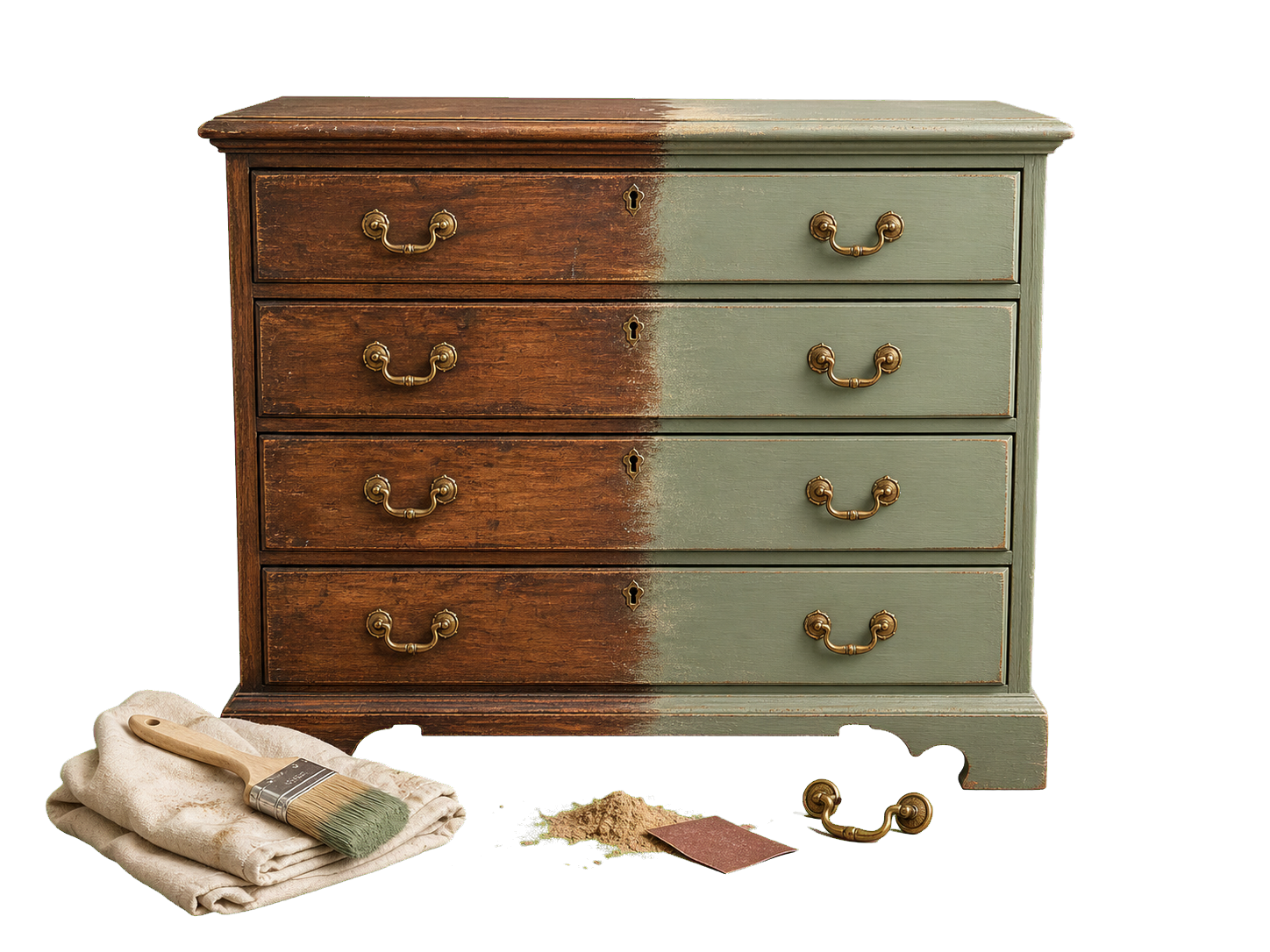
Stage The Real Finished Piece For Listing Photos
Upload the actual finished-piece photo for listing scenes. The AI render stays available as a planning reference before the flip is complete.
Final listing photos
Save up to 4 finished-piece angles.Generate a Step 2 design render to preview the idea before the final photo is ready.
Decor accents
Tap to add, or drag a decor item onto the selected background.
Drag the Step 2 render here for planning, or upload the real final photo for listing scenes.

Downloads as a mobile-ready 4:5 JPG at 1440 x 1800, sized for marketplace apps while keeping enough resolution for eBay.
Staging should support the real listing photo, not misrepresent the item. Review the exported image before posting so buyers can still inspect the actual finished piece.
Local market (ZIP pending)
Local Pickup Area
Add a 5-digit ZIP code in Step 1 to auto-fill the local pickup area.
Area
TampaState Pending
Editable listing draft
Edit any listing text in the boxes below, then save the project to keep your customized listing.
Shoot the from a front three-quarter angle in bright natural light so the linen white finish reads accurately.
Show the front, side, back, and any functional details buyers will ask about.
Stage with one framed print and a simple vase so the linen white finish and no change hardware feel intentional without looking crowded.
Record a short walkaround with one close pass on the seat, shelves, or frame joints.